
The iPhone 14 and subsequent models have the capability to function as satellite phones, enabling access to emergency services, roadside assistance, and communication with friends or family in the absence of cellular or Wi-Fi coverage. This is facilitated through Apple’s integrated features, such as Emergency SOS via satellite and Messages via satellite, which require an unobstructed view of the sky and the latest version of iOS. These services are available in supported regions and are typically offered free of charge for the first two years.

Availability of Emergency SOS via satellite:
- US and Canada: iOS 16.1 or later.
- France, Germany, Ireland, UK: iOS 16.2 or later.
- Australia, Austria, Belgium, Italy, Luxembourg, the Netherlands, New Zealand, Portugal, Spain and Switzerland: iOS 16.4 or later.
- Japan: iOS 17.6 or later.
- Mexico: iOS 18.4 or later.
How it Works:
- Check Your Phone: Ensure you have an iPhone 14 or newer and the latest iOS version.
- Find a Clear View: Go outside with an unobstructed view of the sky and horizon; dense trees or buildings can block the signal.
- Access the Feature:
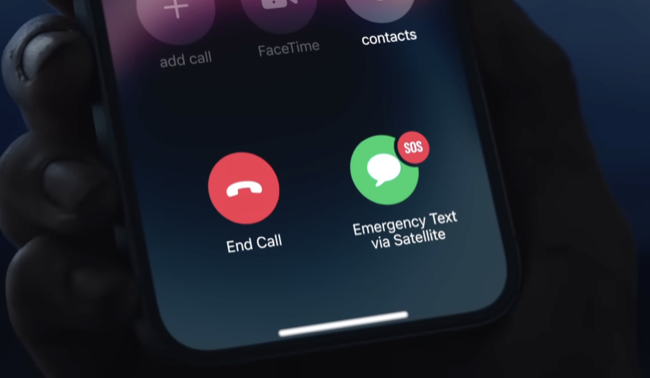
- Emergency: Dial 911 (or local emergency number) and tap the “Emergency Text via Satellite” option if no signal.
- Messages: Open the Messages app, and if you’re off-grid, you’ll see an option to “Use Messages via Satellite” to text friends/family.
- Control Center: Swipe down from the top-right, tap the Cellular button, and select Satellite to use features like Find My or Roadside Assistance.
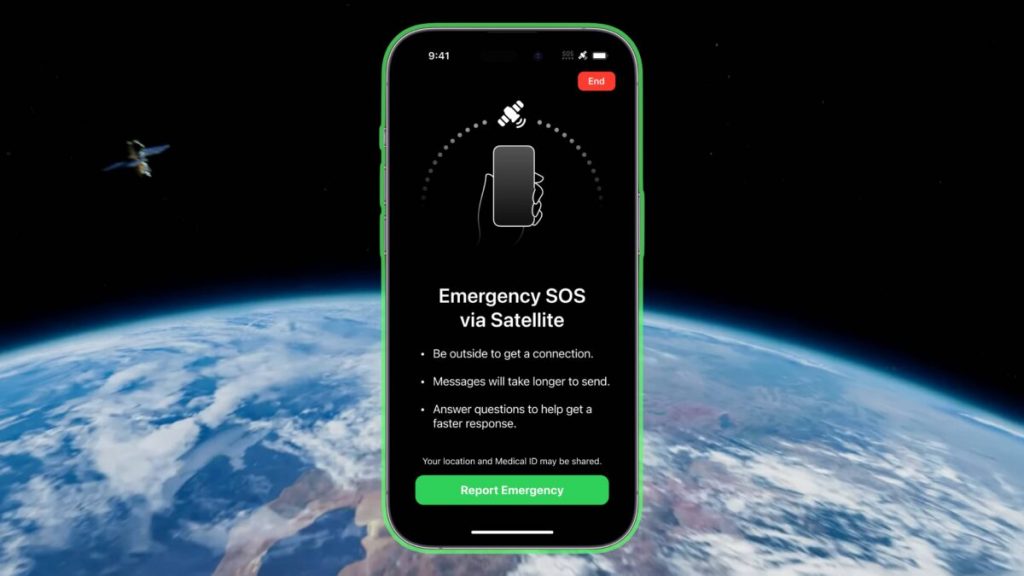
- Follow On-Screen Prompts: The phone guides you to point it at satellites to establish a connection and send your message or location.
Key Features:
- Emergency SOS via Satellite: Connects you to emergency responders.
- Messages via Satellite: Send iMessages and SMS (including emojis) to contacts.
- Roadside Assistance via Satellite: Request help from providers like AAA (in the US).
- Find My via Satellite: Share your location with friends and family.
Important Considerations:
- Coverage: Availability varies by country (US, Canada, Mexico, Japan, etc.).
- Cost: Included free for two years after activating an iPhone 14 or later.
- Not for Voice Calls: It’s for text-based communication only, not traditional satellite phone calls.
- Preparation: Use the built-in demo in Settings or Control Centre to practice before you need it in an emergency.
This integrated system transforms your iPhone into a vital communication lifeline in situations where conventional networks are unavailable, providing an indispensable resource for backcountry adventurers and international travellers alike.


Article written by Nige.
Last update: December 2025
Nige has travelled to various places all over the globe. He believes safety is paramount to any travelling or touring, he says, ‘once you feel safer, you enjoy the journey more’!
We may receive a commission if you purchase a product using the affiliate links on any page of this website. This is at no cost to the purchaser, however does support our website and